Git simulator: an interactive terminal for learning
Type real Git commands in a simulated terminal right in your browser. Real-time feedback, safe environment, over 20 supported commands.
How the simulator works
The GitQuest terminal reproduces real Git behavior in a 100% browser environment. No installation, no risk.
Realistic terminal
The same look and syntax as your real terminal. Prompt, colors, return messages: everything is faithful.
Simulated file system
A real virtual file tree. You can create, modify and delete files just like in a real project.
Safe environment
Impossible to break anything. You can experiment freely: the simulator resets with each exercise.
Contextual hints
Stuck on a command? The simulator offers hints tailored to your situation, without giving away the answer directly.
Automatic validation
The simulator checks in real time if your commands are correct and shows your progress through the exercise.
Mobile optimized
An adapted keyboard with Git shortcuts, responsive display and a smooth experience even on small screens.
The simulator in action
Three concrete examples of what you can do in the GitQuest terminal.
Basic commands
Branches and merge
Merge conflict
Over 20 supported Git commands
From basics to advanced techniques, the simulator covers the commands you will use daily in the workplace.
git initInitialize a repositorygit cloneClone a remote repositorygit addAdd files to staginggit commitCreate a commitgit statusView repository stategit logView commit historygit diffView changesgit branchManage branchesgit checkoutNavigate between branchesgit switchSwitch branches (modern)git mergeMerge branchesgit rebaseReapply commitsgit stashSet aside modificationsgit resetUndo changesgit revertReverse a commitgit cherry-pickApply a specific commitgit reflogReference historygit bisectBinary search for a buggit remoteManage remote repositoriesgit pushPush to remotegit pullPull from remotegit fetchDownload without merginggit tagManage tagsA safe space to experiment
One of the biggest barriers to learning Git is the fear of breaking something. A bad git reset --hard, a force push to the wrong branch, and panic sets in.
In the GitQuest simulator, that fear disappears. You can test any command, including the most destructive ones, without any risk. The virtual repository resets with each exercise.
It's this freedom that enables real learning: you dare to try, you make mistakes, you understand why, and you start over. Exactly like a sandbox.
No risk of breaking a real repository
Each exercise starts from scratch
Sandbox mode to experiment without constraints
Explanatory error messages and contextual hints
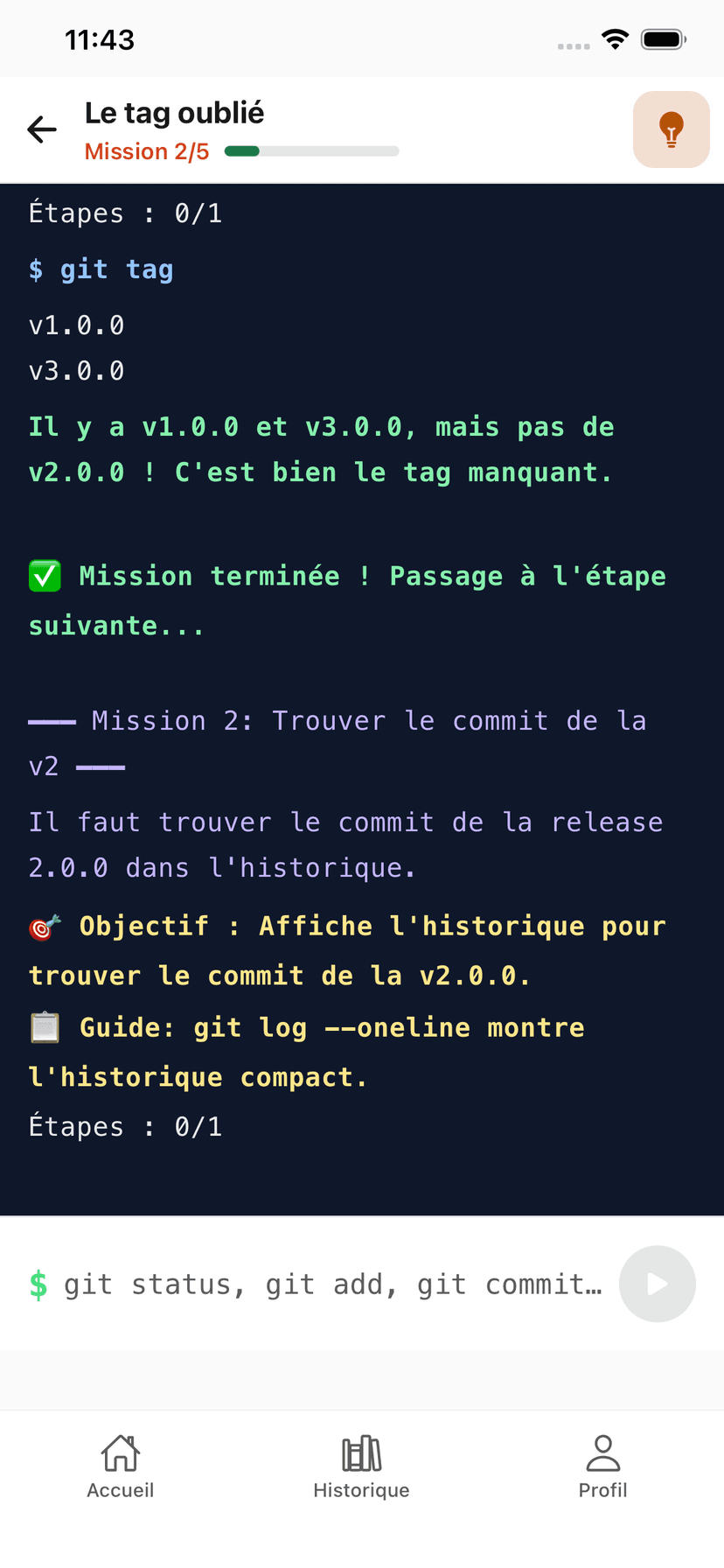
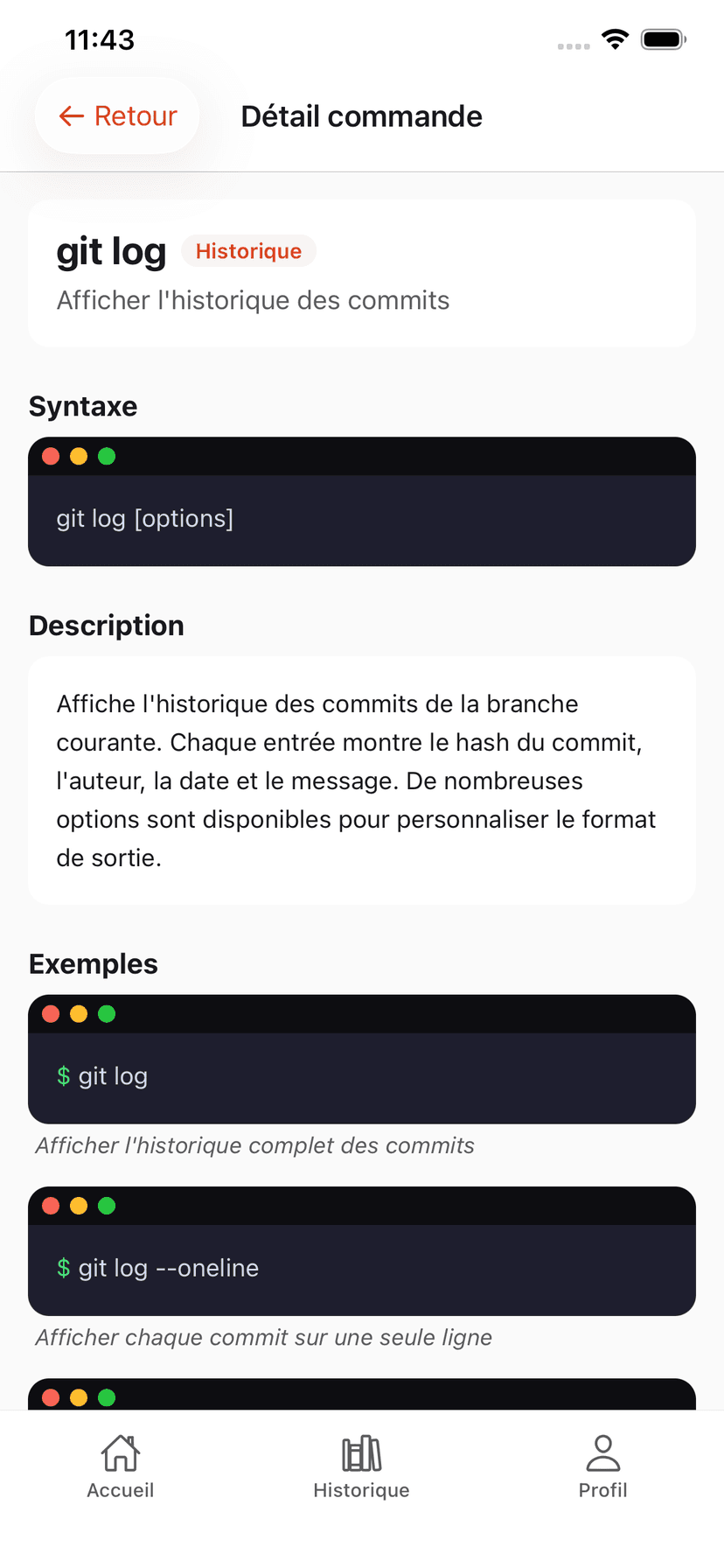
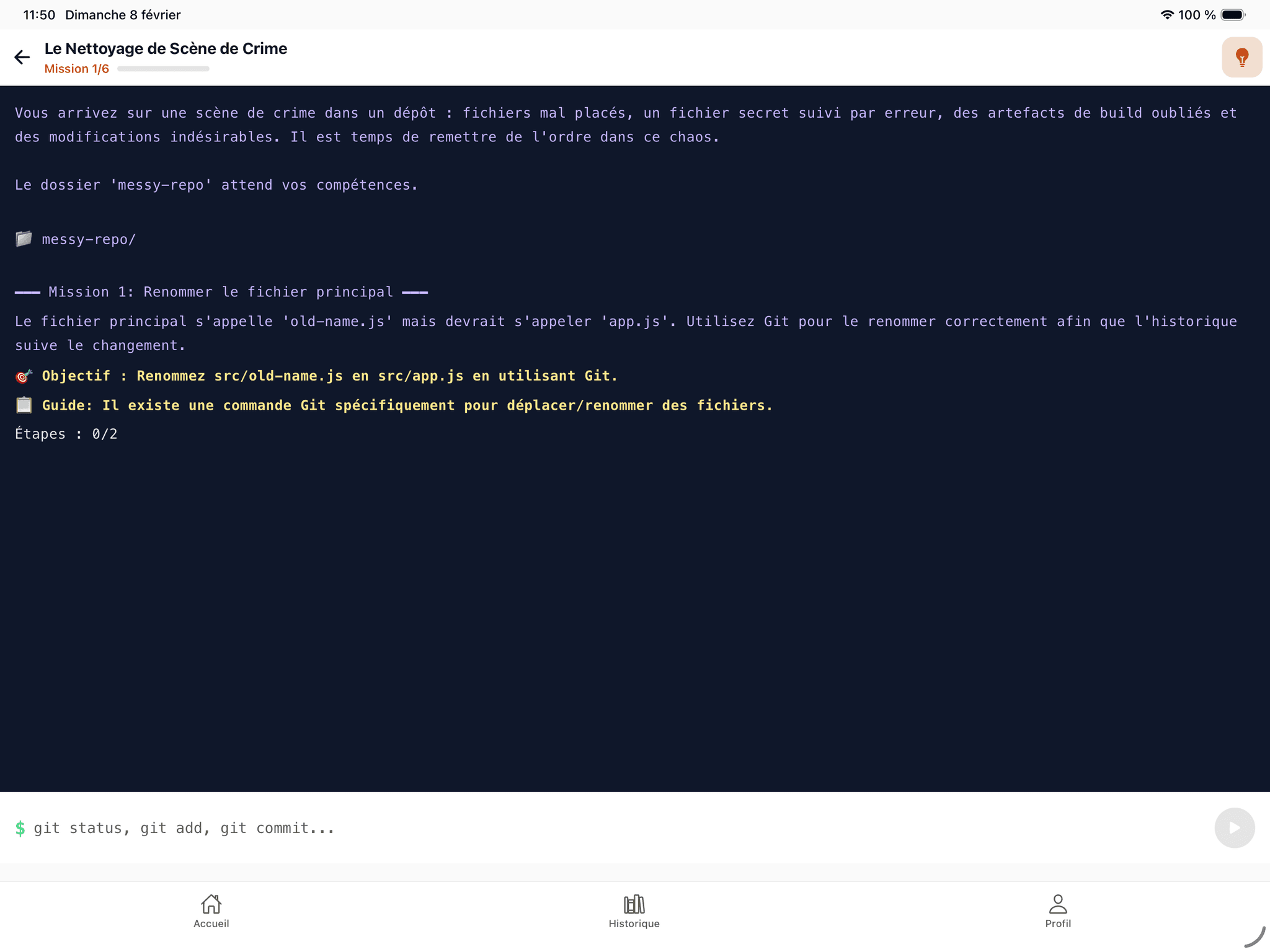
The Git simulator on mobile and tablet
An interactive terminal right in the app. Type real Git commands on iPhone or iPad.
GitQuest is created by Anaïs (nouvelle fenêtre), web developer and head of education, specializing in tech training and digital accessibility.
Questions about the Git simulator
Try the Git terminal with no installation
The simulator is free and instantly accessible in your browser.
Open the simulator