Git investigations: solve mysteries with your commands
Run interactive investigations to learn Git. Missing commits, lost branches, impossible merges: each mission is a mystery to solve in the terminal.
Learn Git by investigating
Forget tutorials where you copy commands without understanding. In GitQuest, each exercise is an investigation: a realistic scenario with a problem to solve.
A commit has disappeared? A branch was deleted by mistake? A merge went wrong? It's up to you to lead the investigation using the right Git commands.
Each investigation teaches you new commands in context. You don't memorize a list: you understand when and whyto use each command.
Realistic scenario
Each investigation is inspired by a real problem encountered in the workplace.
Progressive resolution
You progress step by step, with hints if you get stuck.
Commands in context
You learn when and why to use each Git command.
Example: The phantom commit
Follow the walkthrough of a complete investigation, from the initial clue to the resolution.
Three difficulty levels
Investigations adapt to your level. Start with the basics and progress toward increasingly complex scenarios.
First steps
Guided investigations to discover basic commands: git log, git status, git diff, git add, git commit. Each step is explained.
Duration: 5 to 10 minutes
Investigation
More complex scenarios involving branches, merge, stash and conflict resolution. Hints are less direct.
Duration: 10 to 15 minutes
Expertise
Investigations that combine multiple advanced commands: rebase, cherry-pick, bisect, reflog. Few hints, lots of thinking.
Duration: 15 to 20 minutes
Sample investigations
Here is a preview of the missions that await you. Each investigation teaches specific commands.
The phantom commit
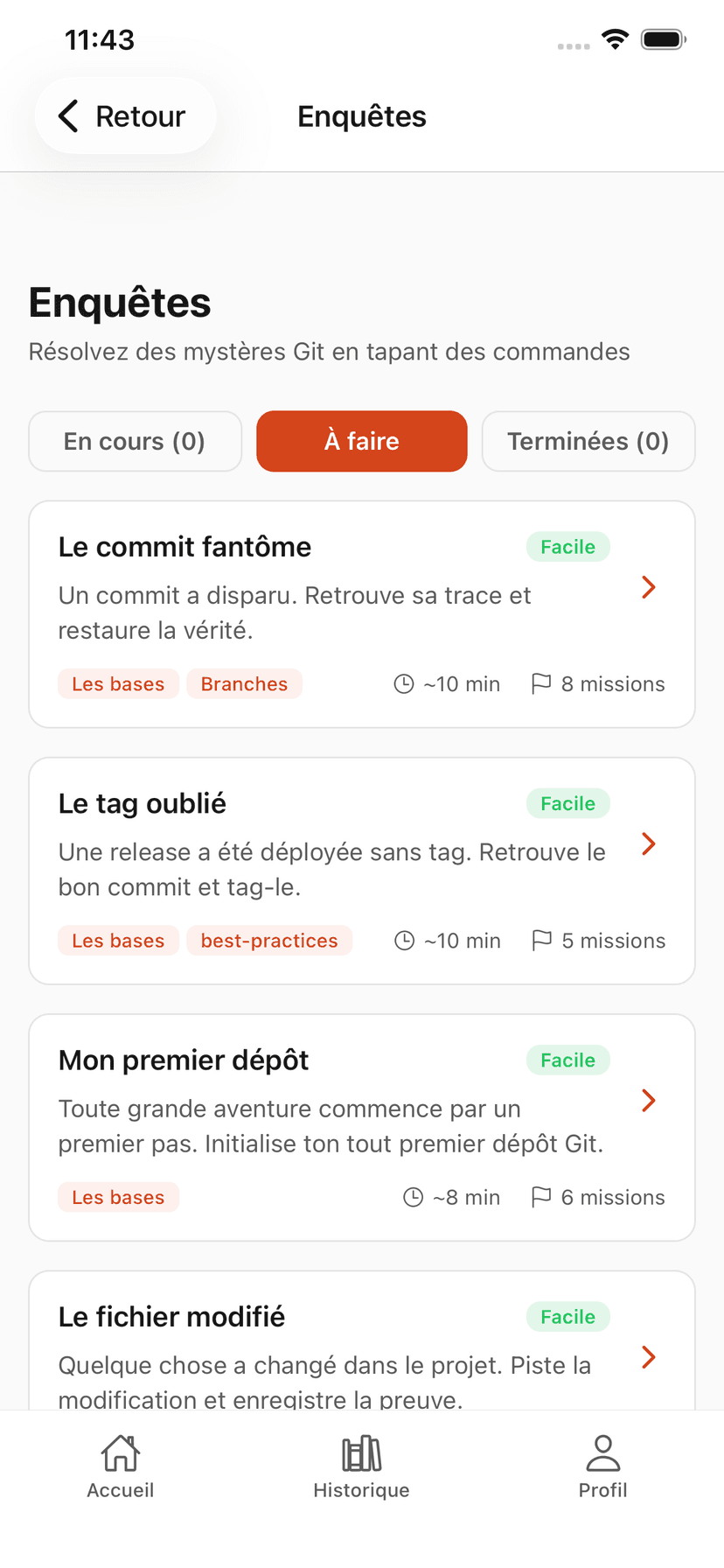
A commit has disappeared from the history. Use git reflog to find it and restore it.
git loggit refloggit cherry-pickThe lost branch
A feature branch was deleted by mistake before the merge. Find it and merge it.
git branch -agit refloggit checkout -bThe impossible merge
Two branches have conflicting changes. Resolve the conflict and complete the merge.
git mergegit diffgit addgit commitThe secret file
A sensitive file was committed by mistake. Remove it from the history without losing other changes.
git loggit rebase -igit filter-branchTime travel
A bug was introduced somewhere in the last 50 commits. Use git bisect to find it.
git bisect startgit bisect goodgit bisect badThe cursed rebase
An interactive rebase went wrong. Rebuild the history cleanly from the reflog.
git refloggit resetgit rebase --ontoGit investigations in the app
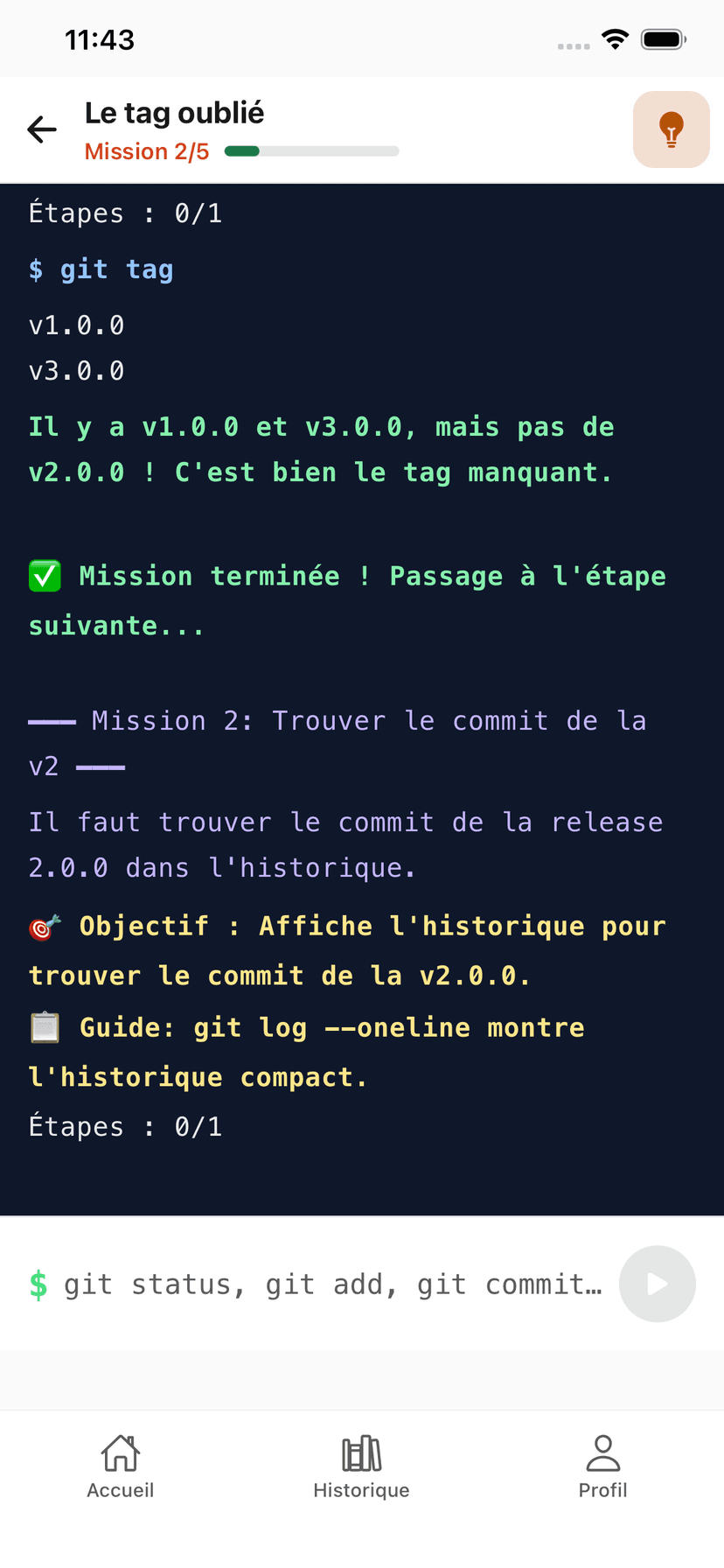
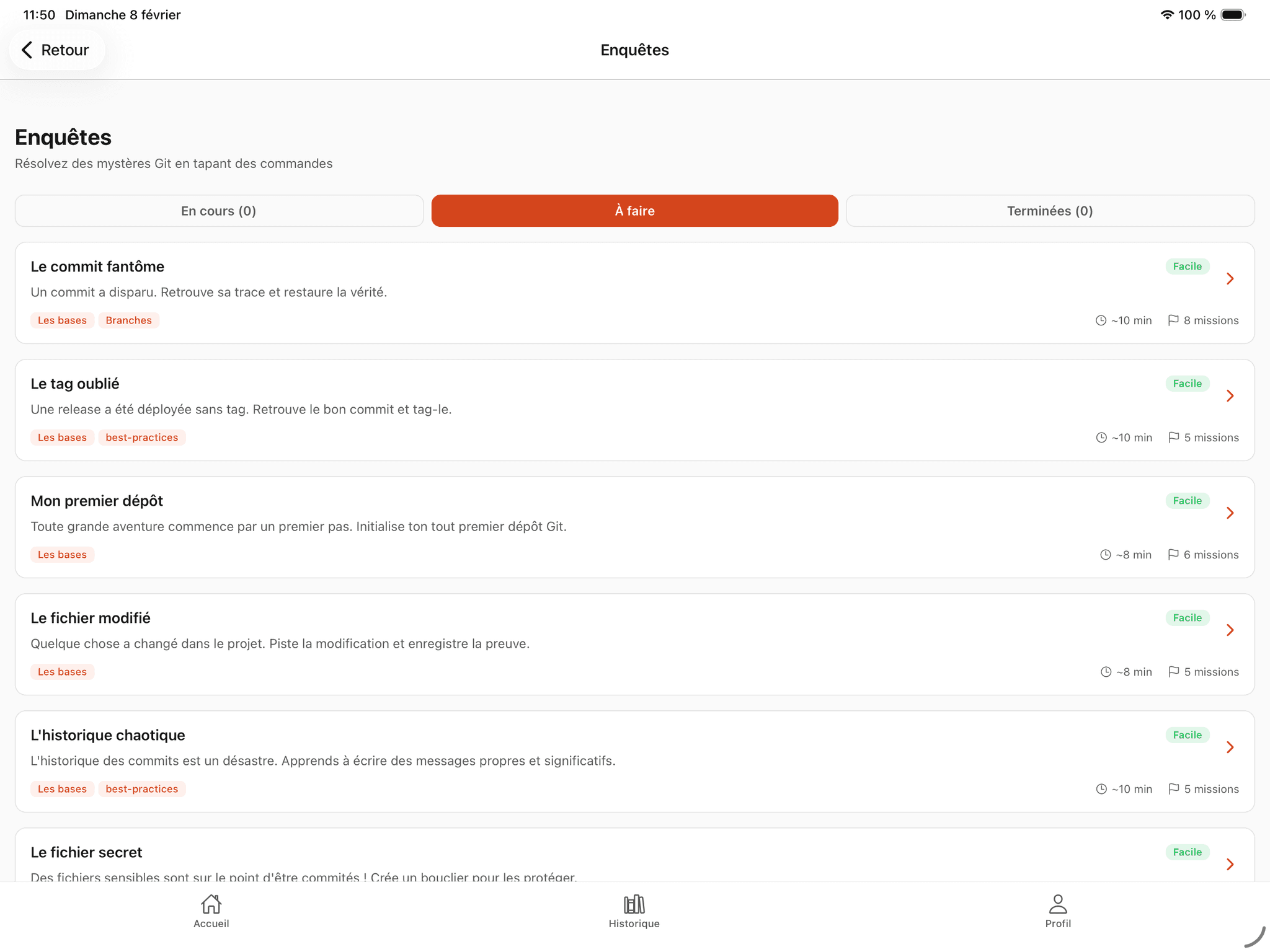
Here is what investigations look like in GitQuest. Story-driven missions with a real built-in terminal.
GitQuest is created by Anaïs (nouvelle fenêtre), web developer and head of education, specializing in tech training and digital accessibility.
Questions about Git investigations
Ready to investigate?
Launch your first Git investigation for free. No installation required.
Start the investigation