Git for beginners: start here
Never used Git? Don't panic. This page explains everything from the start, simply, and shows you how GitQuest guides you step by step.
What exactly is Git?
When you work on a project (a website, an application, a code document), you're constantly modifying files. Sometimes you break something. Sometimes you want to go back. Sometimes you're working with other people on the same files.
Git is the tool that solves these problems. It records every change you make (this is called a "commit"), which lets you navigate through your project's history like a timeline.
With Git, you can also create "branches" to test ideas without risking the main project, then merge them when you're satisfied.
The 3 key concepts of Git
A "save point" of your project. You can return to it at any time.
A parallel copy of your project to work on without risk.
The fusion of two branches to combine everyone's work.
Your first commit in 3 commands
This is exactly what you'll learn in the first chapter of the course. Three commands, and you've created your first save point.
Start with the free course
The "Getting Started with Git" course is available online, for free, no sign-up required. 4 chapters, interactive exercises in the browser and a certificate of completion.
The Git model
Snapshots, objects, SHA, HEAD
The fundamental cycle
add, commit, status, restore
Branches
branch, switch, merge
Conflicts
Step-by-step resolution
Free, no sign-up, directly in the browser
An app to go further
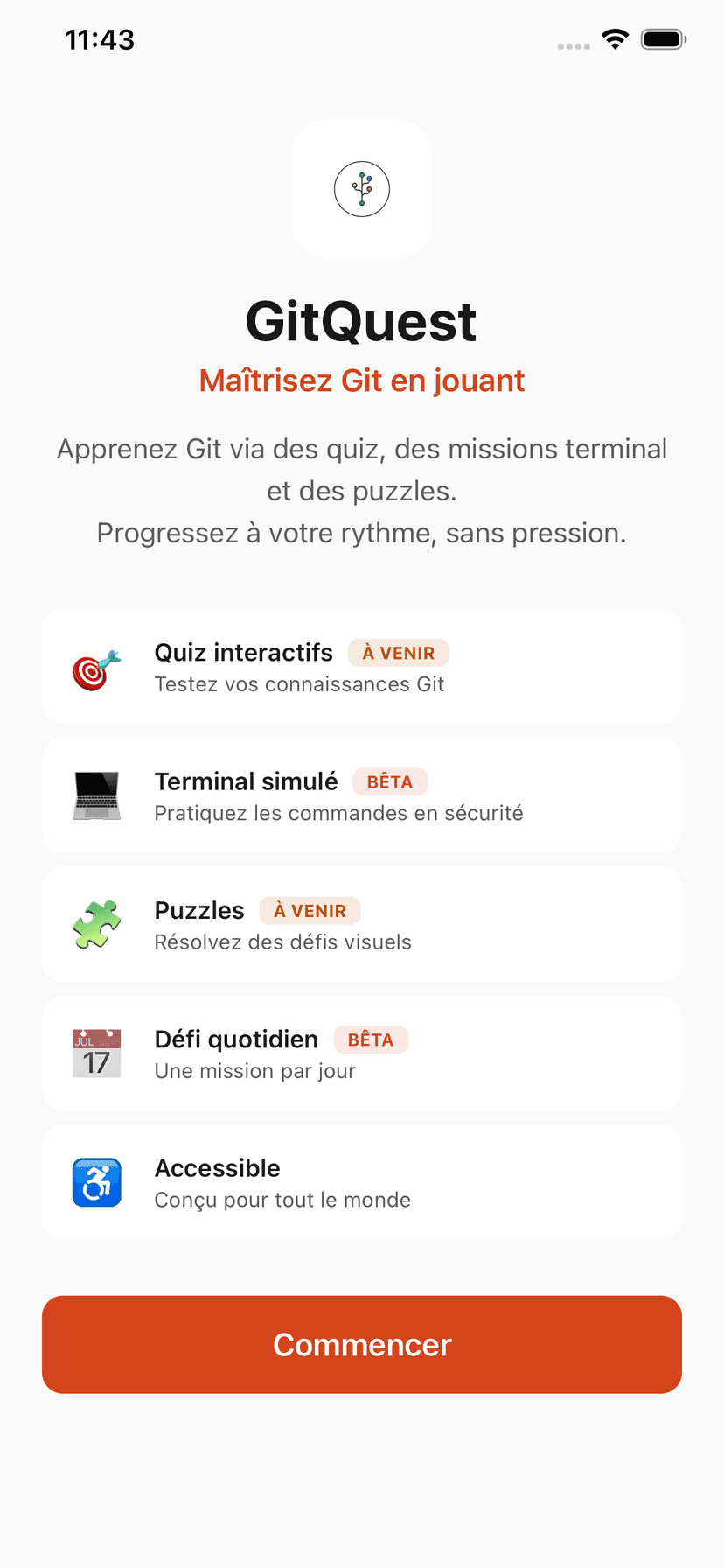
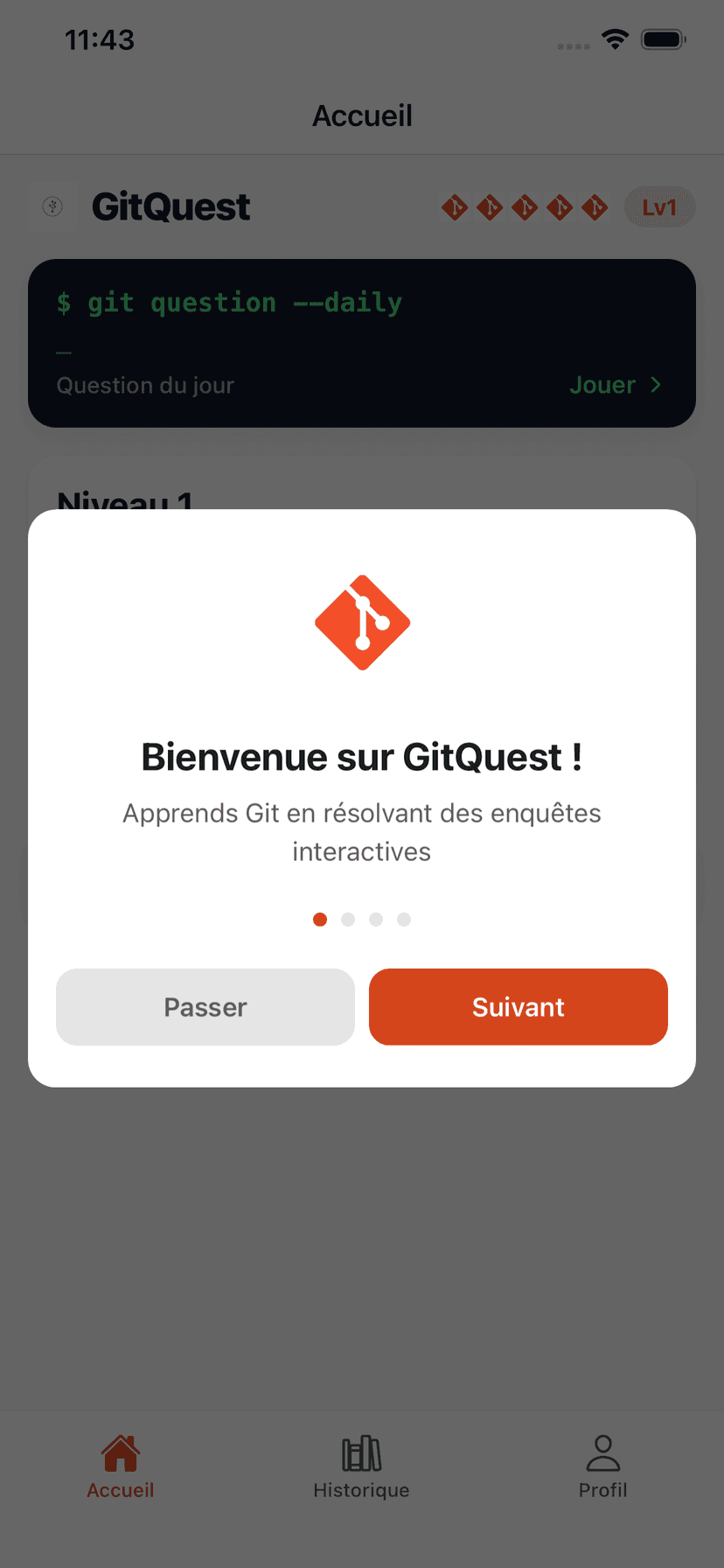
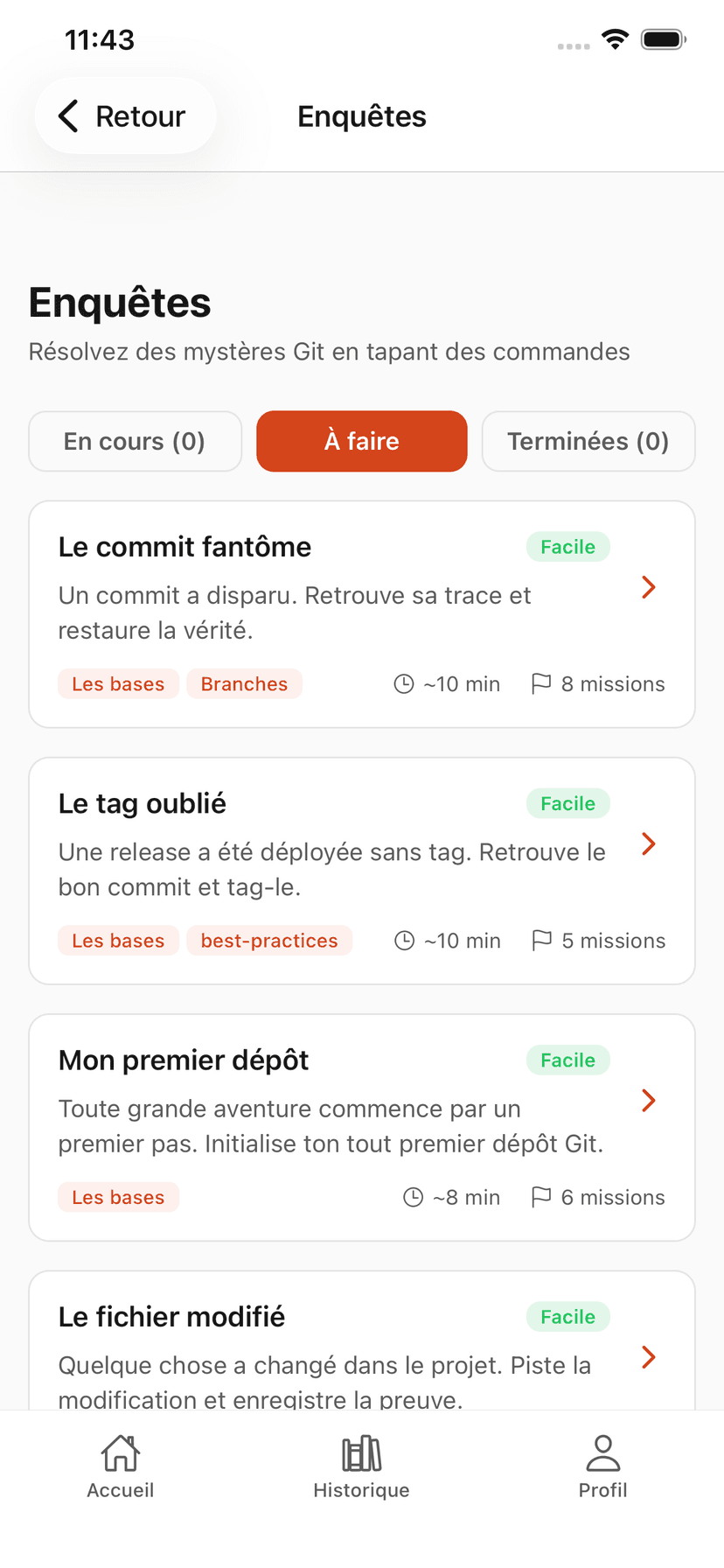
Beyond the online course, GitQuest offers a mobile app with investigations, daily challenges and gamified progression. Available on iOS and Android.
Designed for beginners
Every feature in the app is designed to make learning accessible.
Zero prerequisites
Never opened a terminal? No problem. GitQuest starts from the absolute basics and guides you every step of the way.
Clear explanations
No jargon without context. Every term is explained clearly, with simple analogies to help you understand the concepts.
Guided progression
Investigations are organized by level. You never encounter a command you haven't learned yet.
Hints available
Stuck? Ask for a hint. GitQuest guides you without giving away the answer, so you truly understand.
Right to make mistakes
Mistakes are part of learning. The lives system lets you start over without frustration.
Built-in glossary
A complete dictionary of Git commands, available at any time. Each entry includes a concrete example.
Mobile app
Clean interface, guided progression and safe terminal. GitQuest is with you from your first git init.
GitQuest is created by Anaïs (nouvelle fenêtre), web developer and head of education, specializing in tech training and digital accessibility.
Frequently asked questions about Git for beginners
Ready for your first commit?
No installation needed. Start the free course directly in your browser.