Git cheat sheet: the essential commands
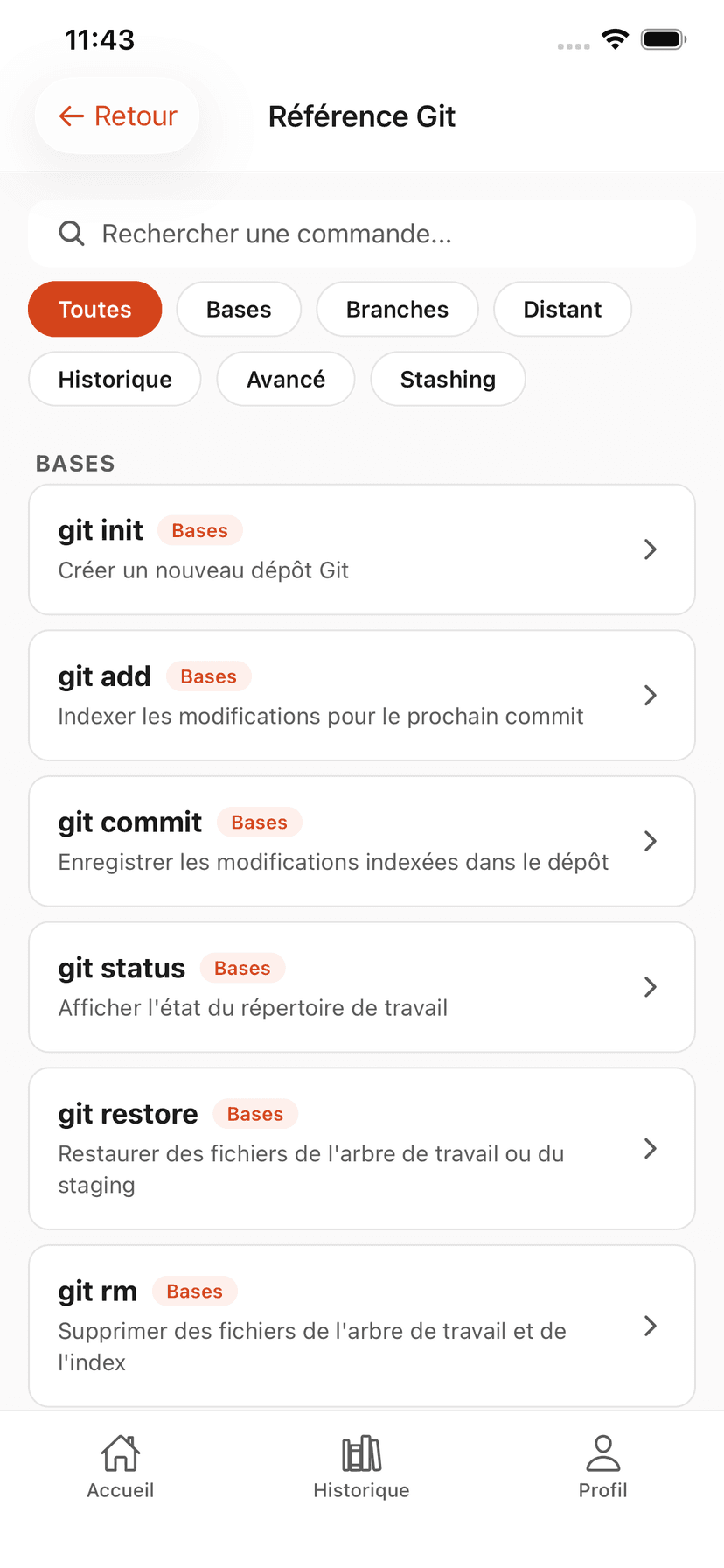
All the Git commands you will use daily, sorted by usage. Keep it handy or look them up in the GitQuest app.
This cheat sheet covers the most commonly used Git commands. For detailed explanations of each command, see the full Git glossary.
Basics
Start a project
git initInitialize a new Git repositorygit clone <url>Clone a remote repositorygit statusView the state of filesCommit
Save changes
git add <file>Add a file to staginggit add .Add all modified filesgit commit -m "message"Create a commitgit diffView unstaged changesgit diff --stagedView staged changesBranches
Work with branches
git branchList branchesgit branch <name>Create a new branchgit checkout <branch>Switch branchesgit switch <branch>Switch branches (modern)git checkout -b <name>Create and switch to a branchgit branch -d <name>Delete a merged branchMerge
Merge and rebase
git merge <branch>Merge a branch into the current onegit rebase <branch>Rebase onto a branch (linear history)git rebase -i HEAD~nInteractive rebase on n commitsgit merge --abortAbort a merge in progressgit cherry-pick <hash>Apply a specific commitRemote
Work with a remote repository
git remote -vList remote repositoriesgit pushPush commits to the remotegit push -u origin <branch>Push and set up trackinggit pullFetch and merge from the remotegit fetchFetch without mergingHistory
View history
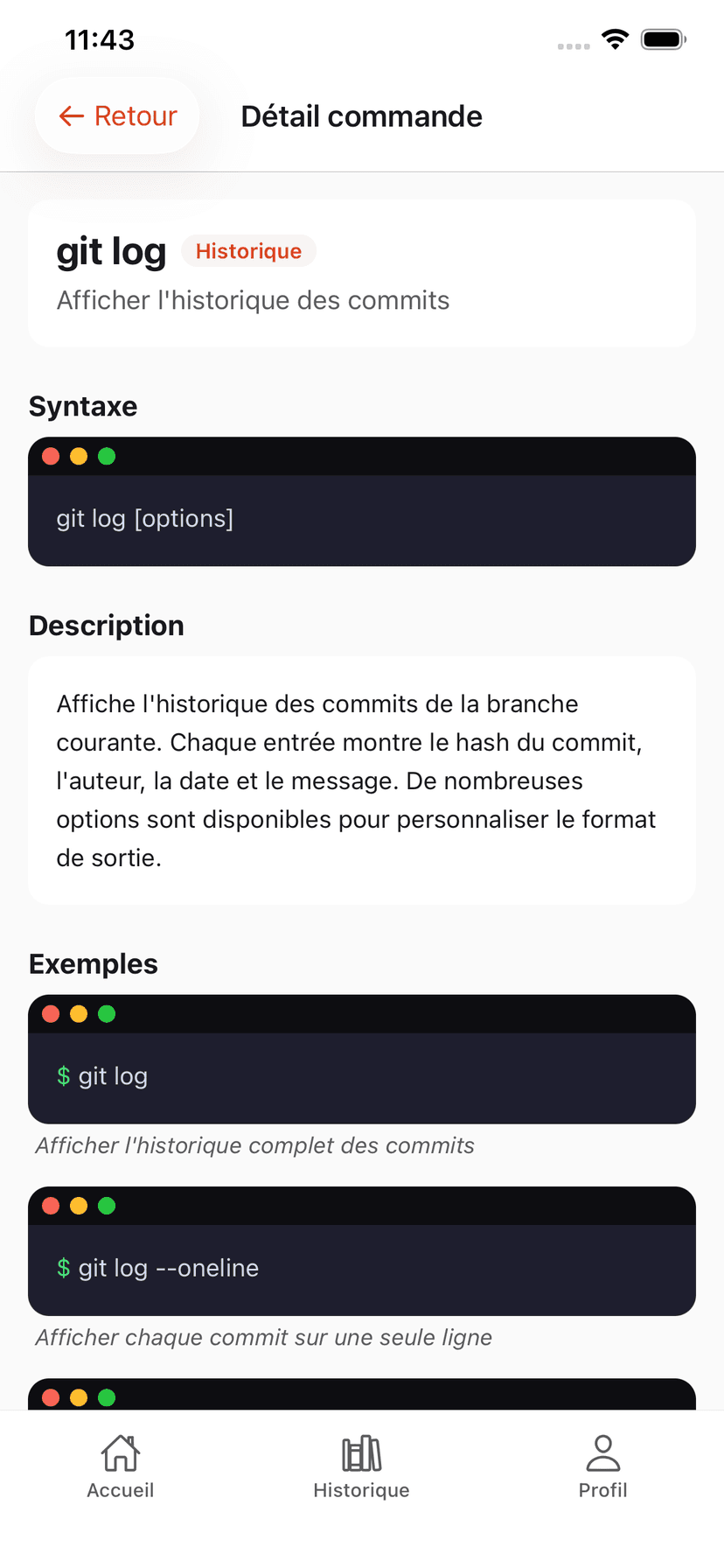
git logView commit historygit log --onelineCondensed history (one line per commit)git log --graphHistory with branch graphgit show <hash>Details of a specific commitgit blame <file>Who modified each linegit reflogHistory of all HEAD movementsUndo
Undo and fix
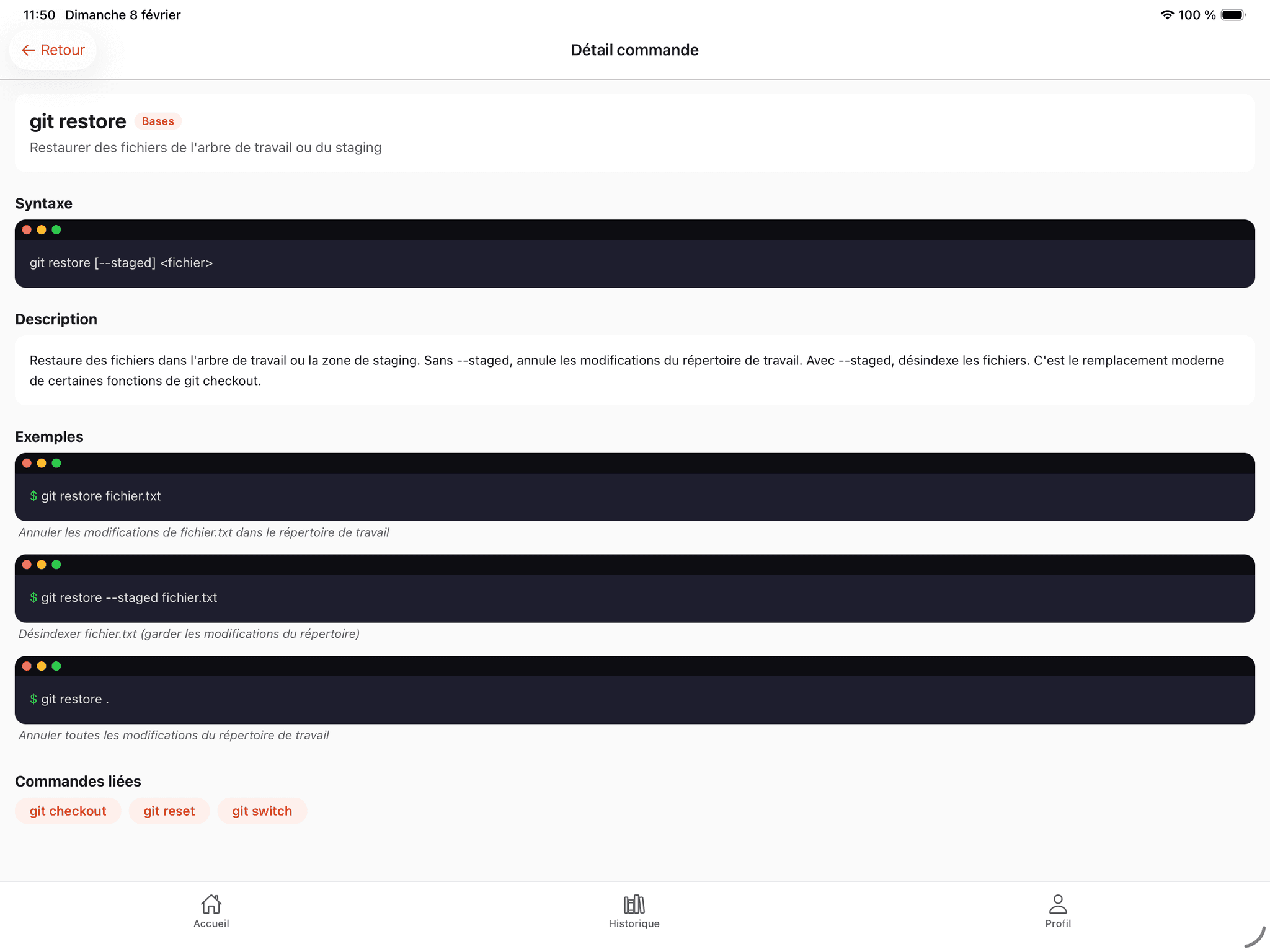
git restore <file>Discard changes to a filegit restore --staged <file>Unstage a filegit reset --soft HEAD~1Undo last commit (keep changes)git reset --hard HEAD~1Undo last commit (discard everything)git revert <hash>Create a reverse commit (safe)git stashSet aside current changesgit stash popRestore stashed changesConfig
Configuration
git config --global user.name "Name"Set your namegit config --global user.email "email"Set your emailgit tag <name>Create a tag (e.g., v1.0.0)This cheat sheet, in your pocket
The GitQuest built-in glossary includes all these commands with interactive examples and a search engine.
A
GitQuest is created by Anaïs (nouvelle fenêtre), web developer and head of education, specializing in tech training and digital accessibility.
Memorizing is good. Practicing is better.
The cheat sheet helps you find a command. GitQuest investigations help you master it.
Start the investigations